

ZaneOps v1.14
Release notes: https://github.com/zane-ops/zane-ops/releases/tag/v1.14.0
31 August 2026 by Fred KISSIE
ZaneOps v1.14 turns ZaneOps into a multi-user platform: workspaces, team invitations, per-role and per-project access, an optional paid license, a dedicated server admin area, a rebuilt command bar and opt-in OpenTelemetry tracing.
To install:
# assuming you are at /var/www/zaneopscurl https://cdn.zaneops.dev/makefile > Makefilemake setup# Optional: stop the services# make stopmake deployMulti-user & workspaces
Section titled “Multi-user & workspaces”The headline feature of v1.14 is workspaces. Every project, git app and resource now lives inside a workspace, and you can invite other people to collaborate in it.
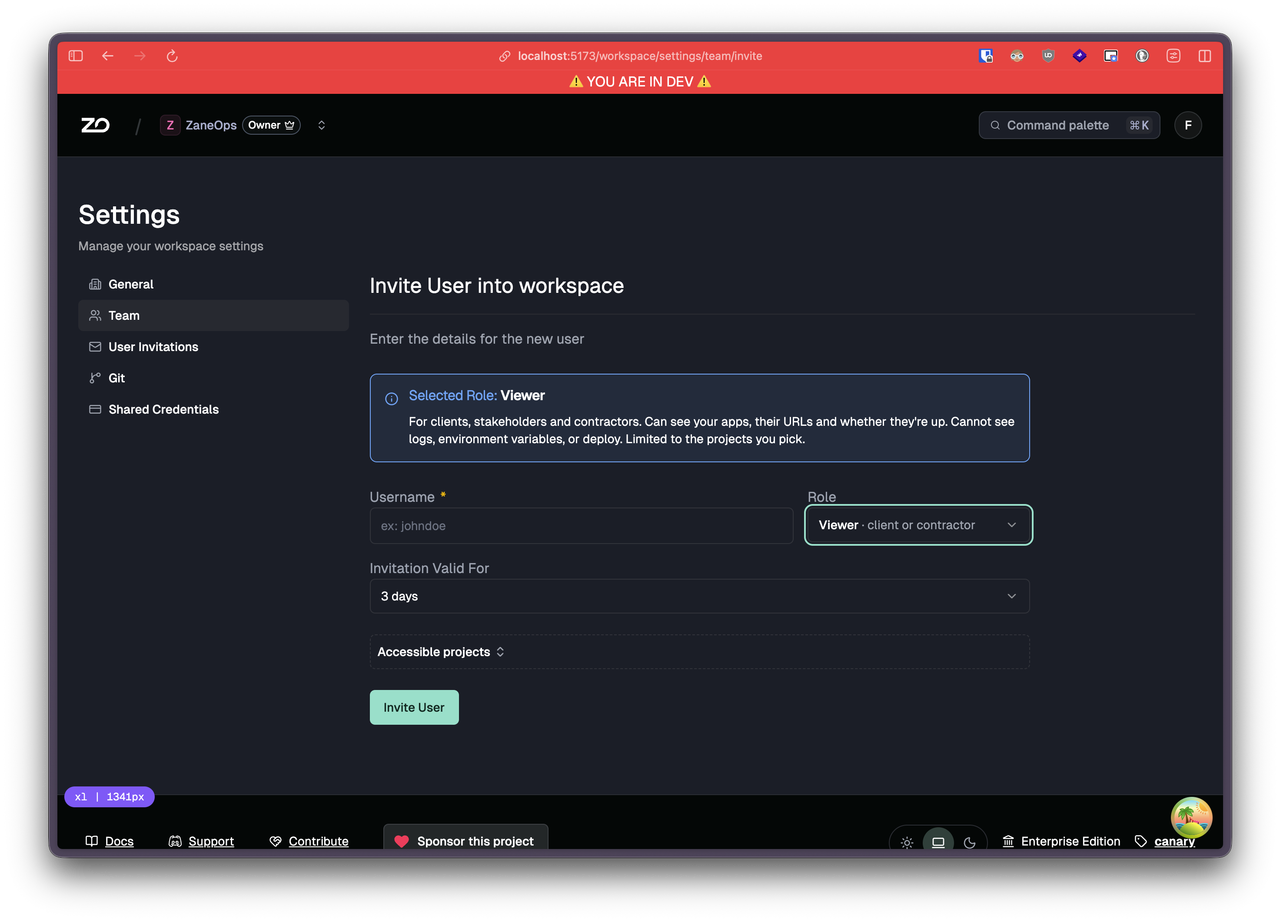
Each member gets a role:
- Viewer: read-only, sensitive fields (env vars, secrets) are hidden. Can be scoped to specific projects.
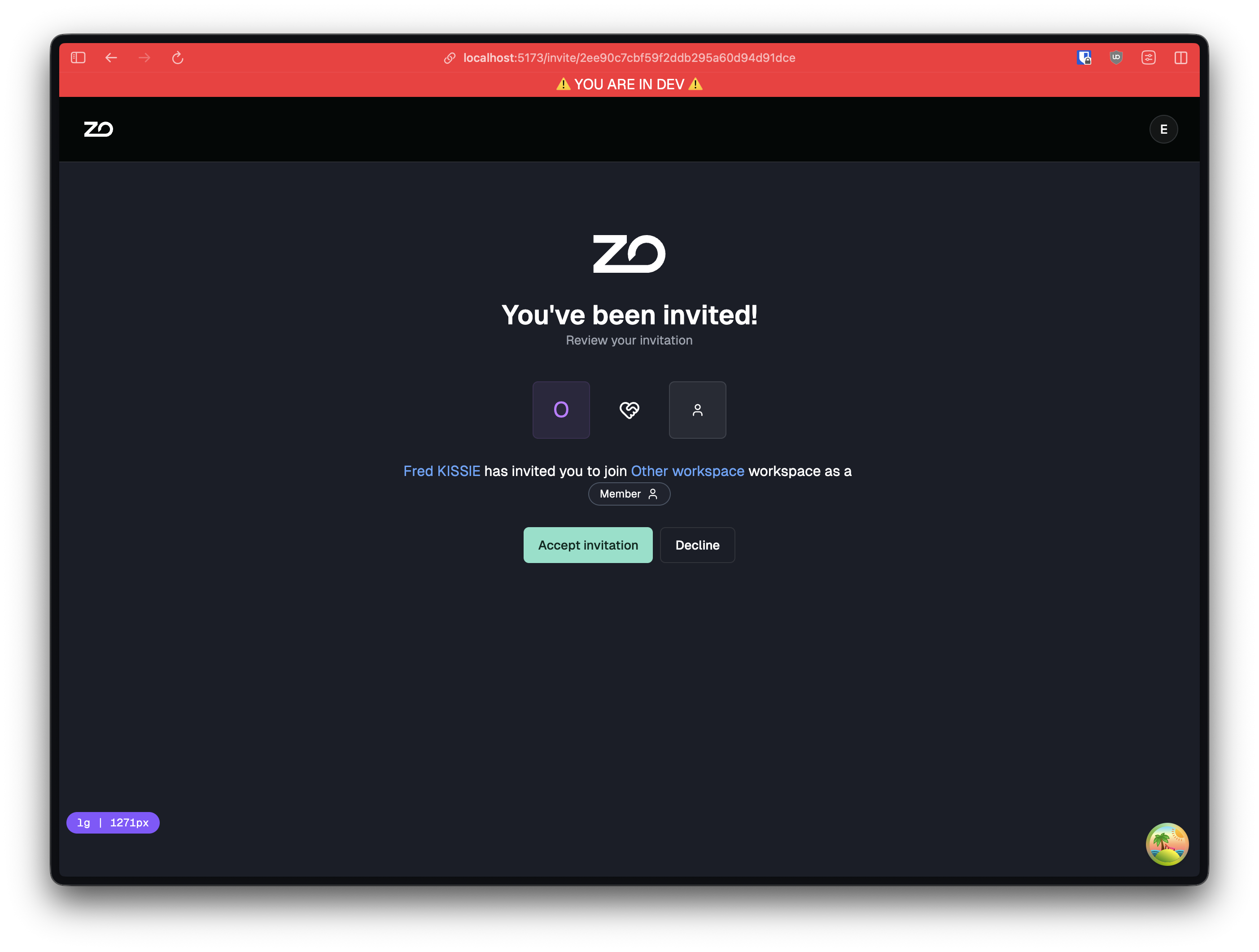
- Member: read-write on services: edit configuration, manage environment variables, trigger deploys. Can be scoped to specific projects.
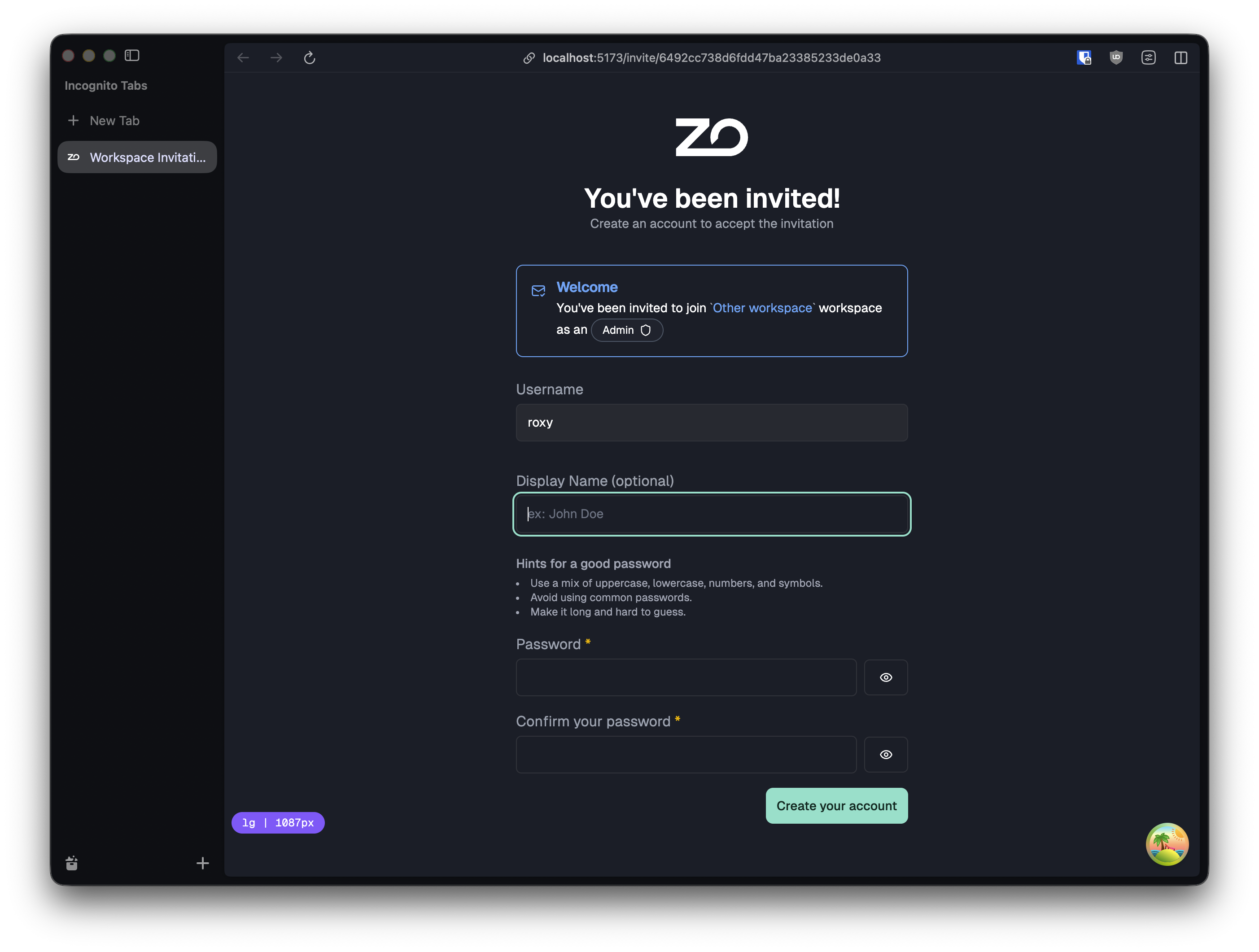
- Admin: full access to the workspace: invite and remove members, change roles, delete services, manage API tokens. Cannot delete the workspace.
- Owner: the workspace creator. Everything an Admin can do, plus deleting the workspace.
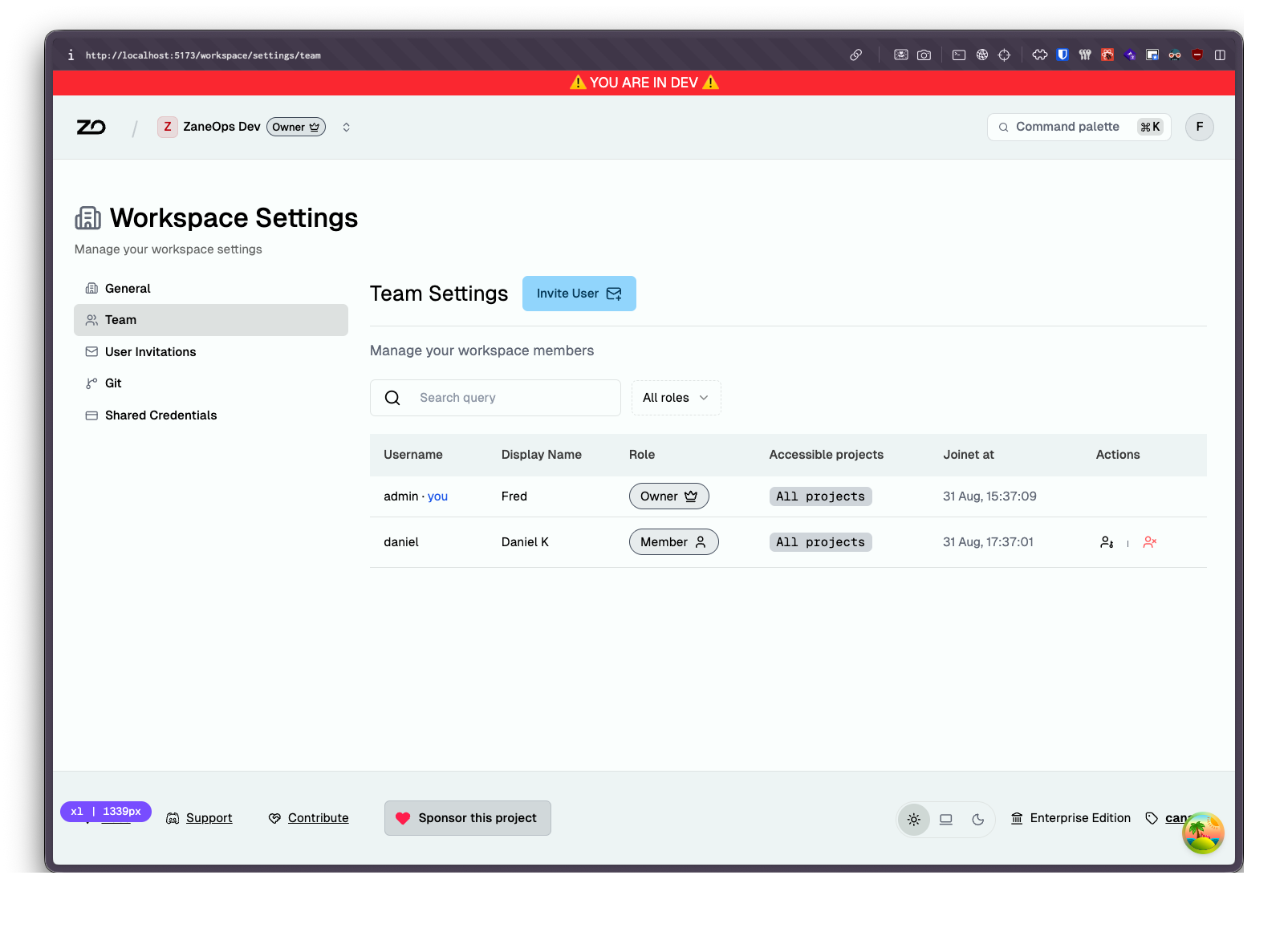
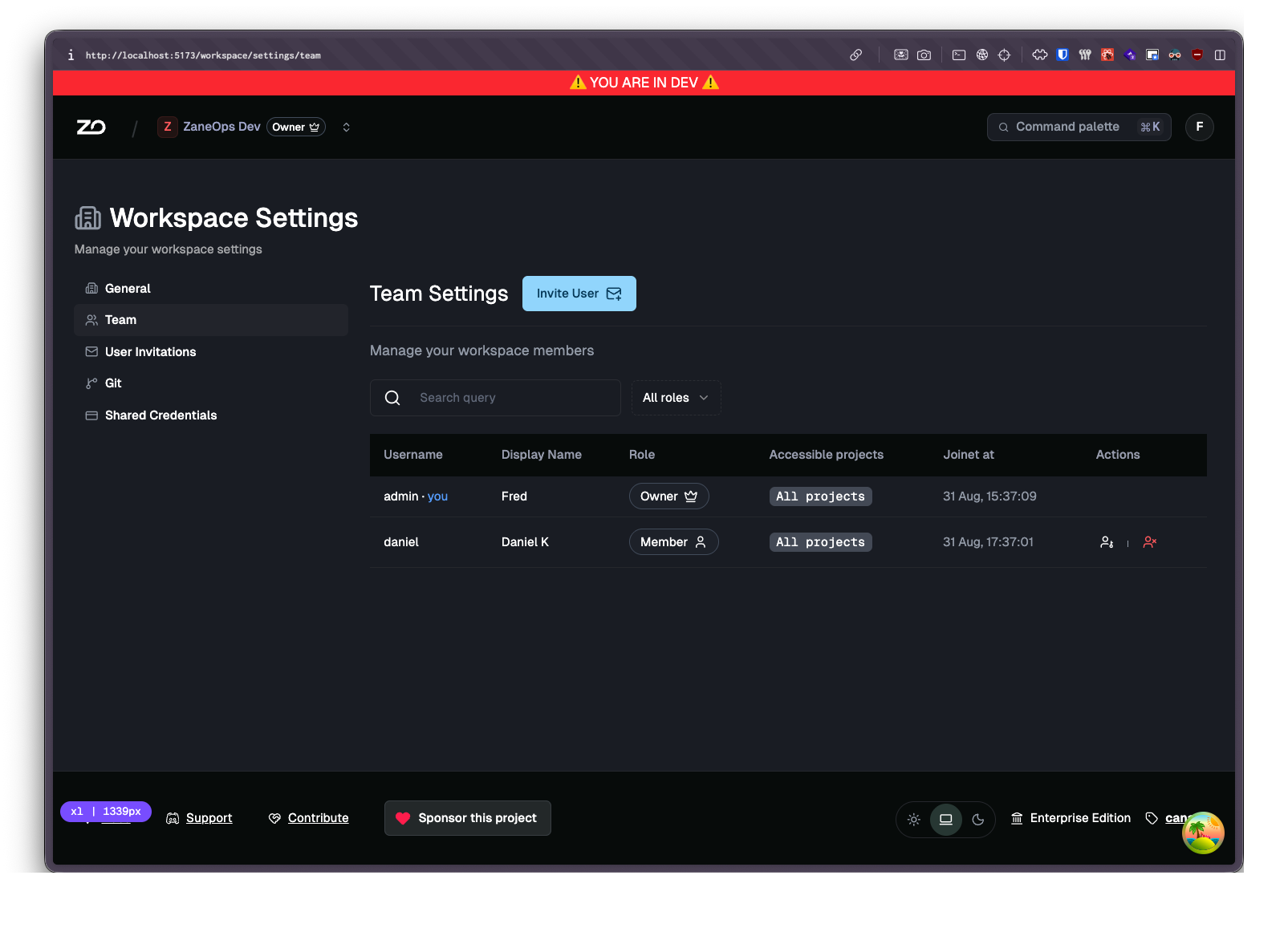
Workspace UI
Section titled “Workspace UI”The whole dashboard was reworked around workspaces, with a distinct experience per role: an owner/admin layout with team settings, invitation management and per-member permission editing, and a trimmed-down layout for members and viewers that only surfaces what they are allowed to touch.
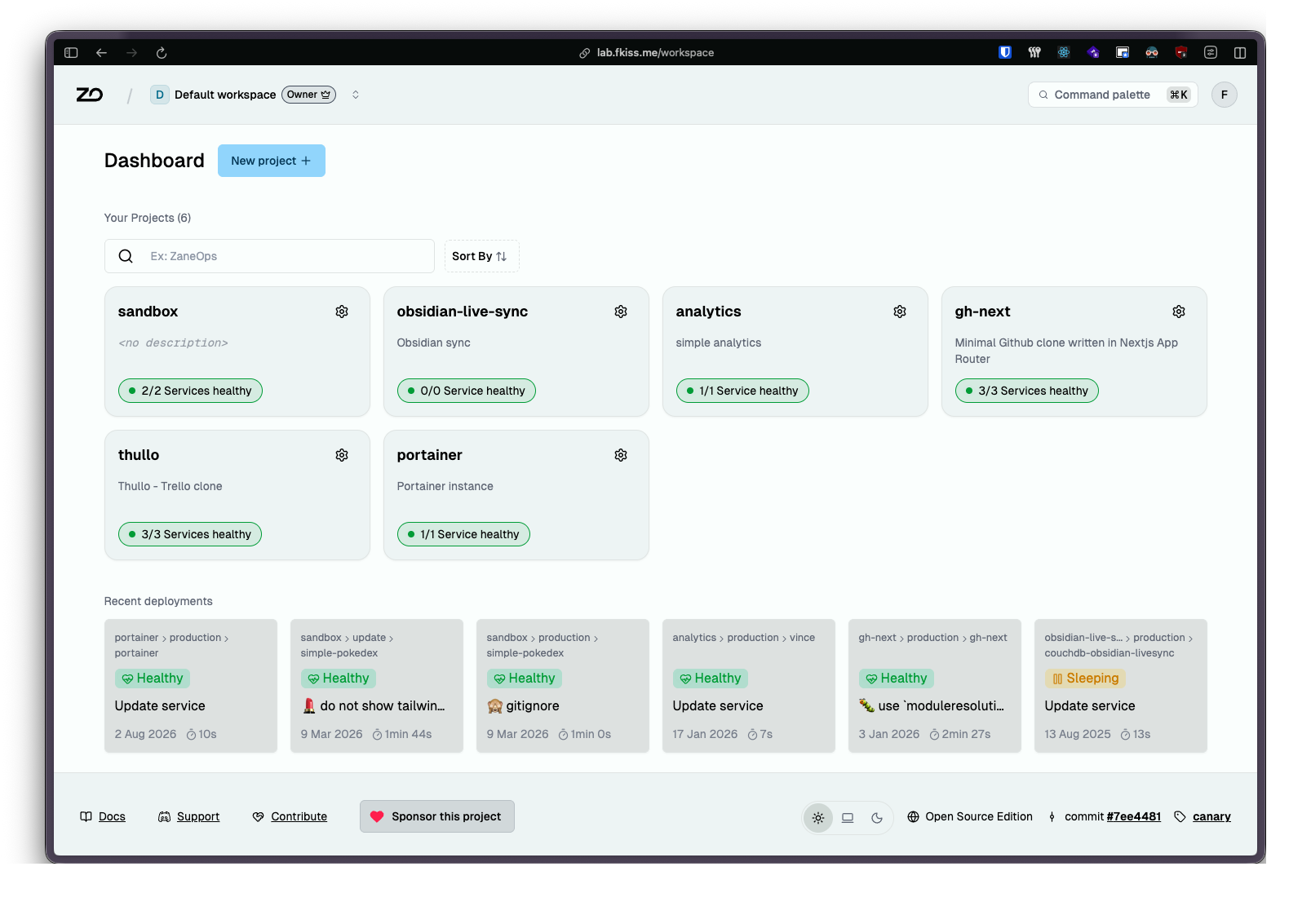
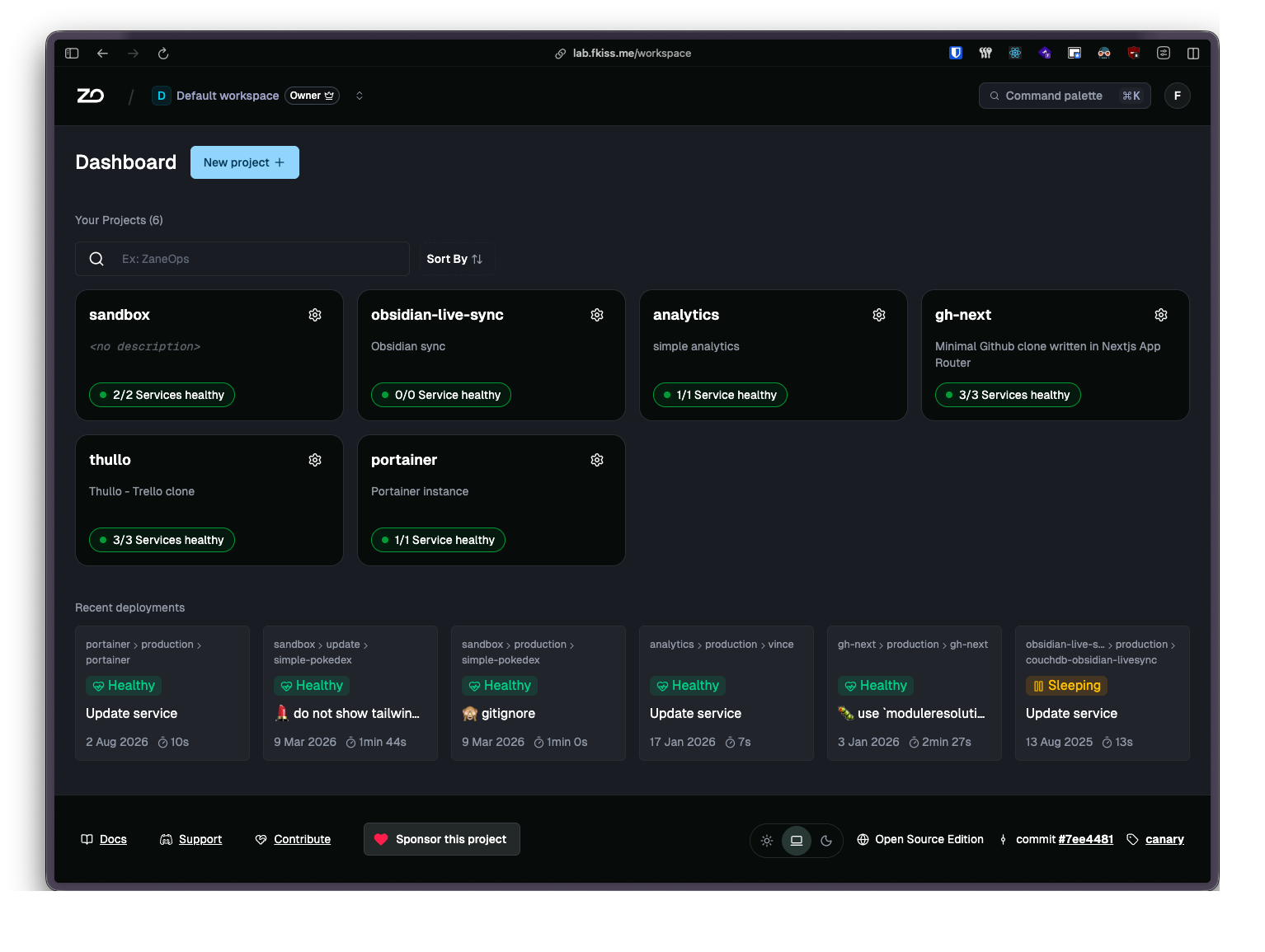
Invitations
Section titled “Invitations”Invite people by username. If they already have an account they join immediately, otherwise they get an invitation link to create one. Invitations expire, can be revoked, and carry the role and project scope you picked.
Switching workspaces
Section titled “Switching workspaces”If you belong to more than one workspace, a switcher lets you jump between them without logging out.
Licensing & paid features
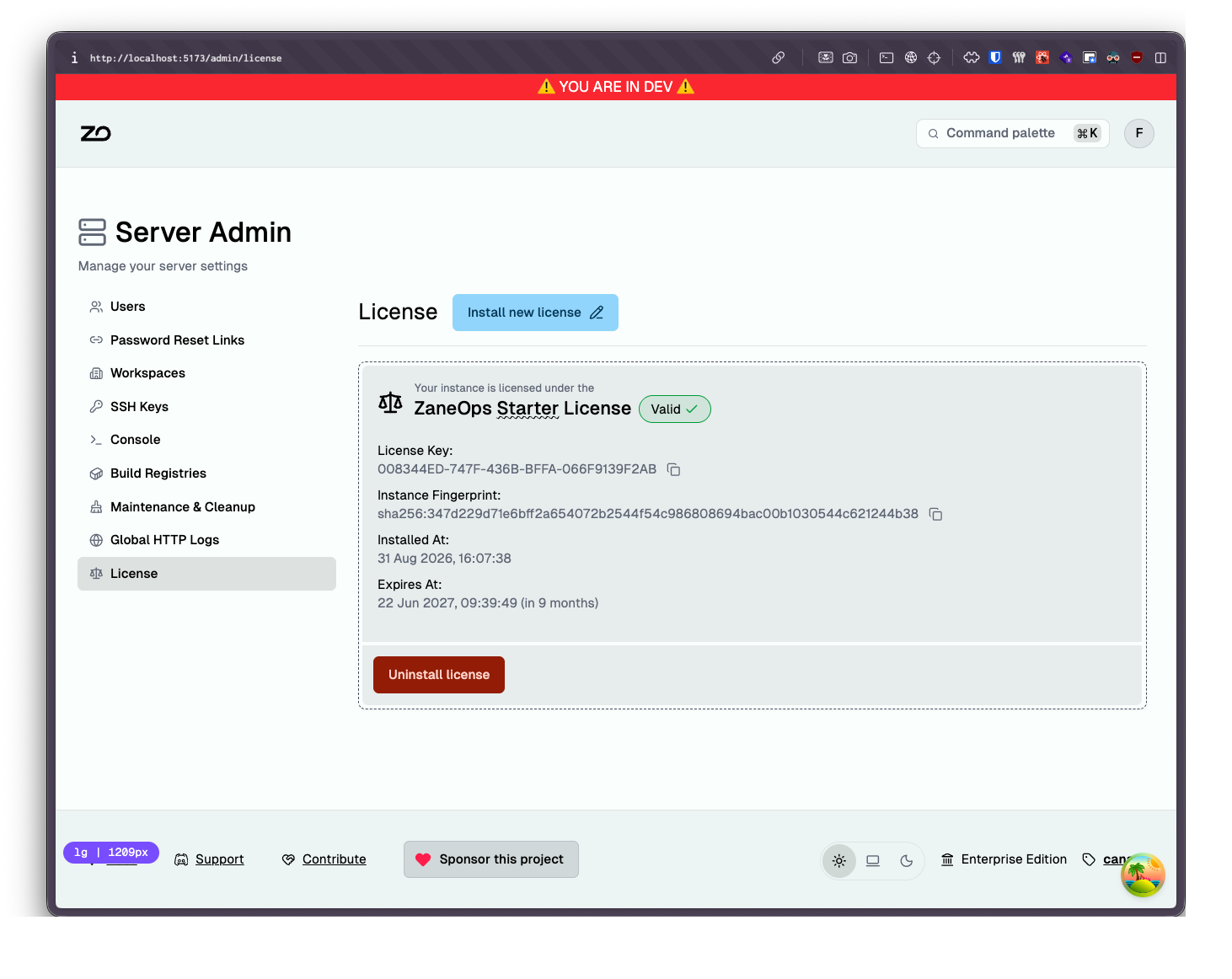
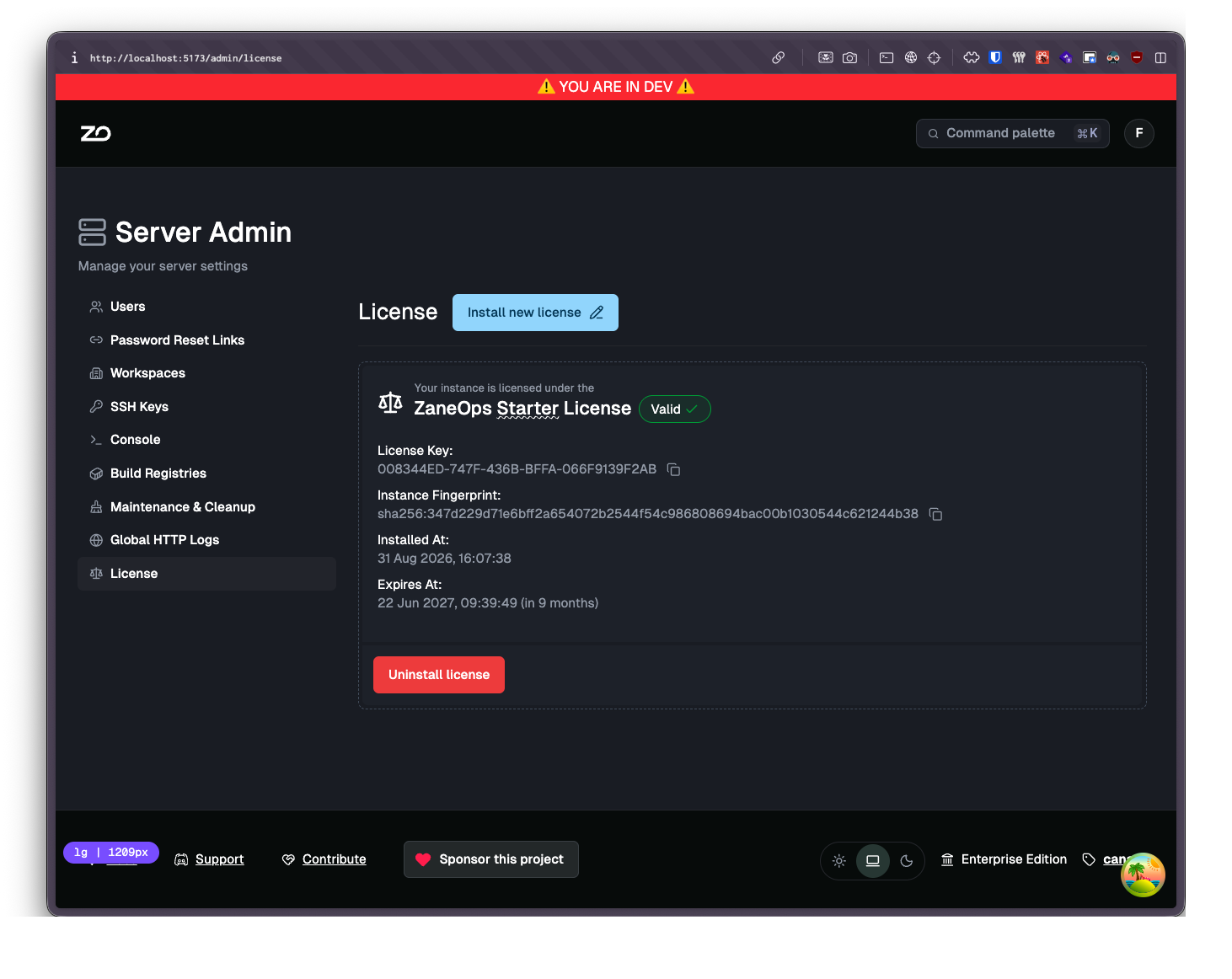
Section titled “Licensing & paid features”The self-hosted core stays free and MIT-licensed. The free tier allows up to 3 users (members + pending invitations) and 1 workspace.
A paid Starter license unlocks:
- Extra workspaces: more than one workspace on the same instance
- Extra user seats: more than 3 users
- …And More features coming in the next versions
You install a license key from the server admin area, and it is bound to your instance.
Server admin
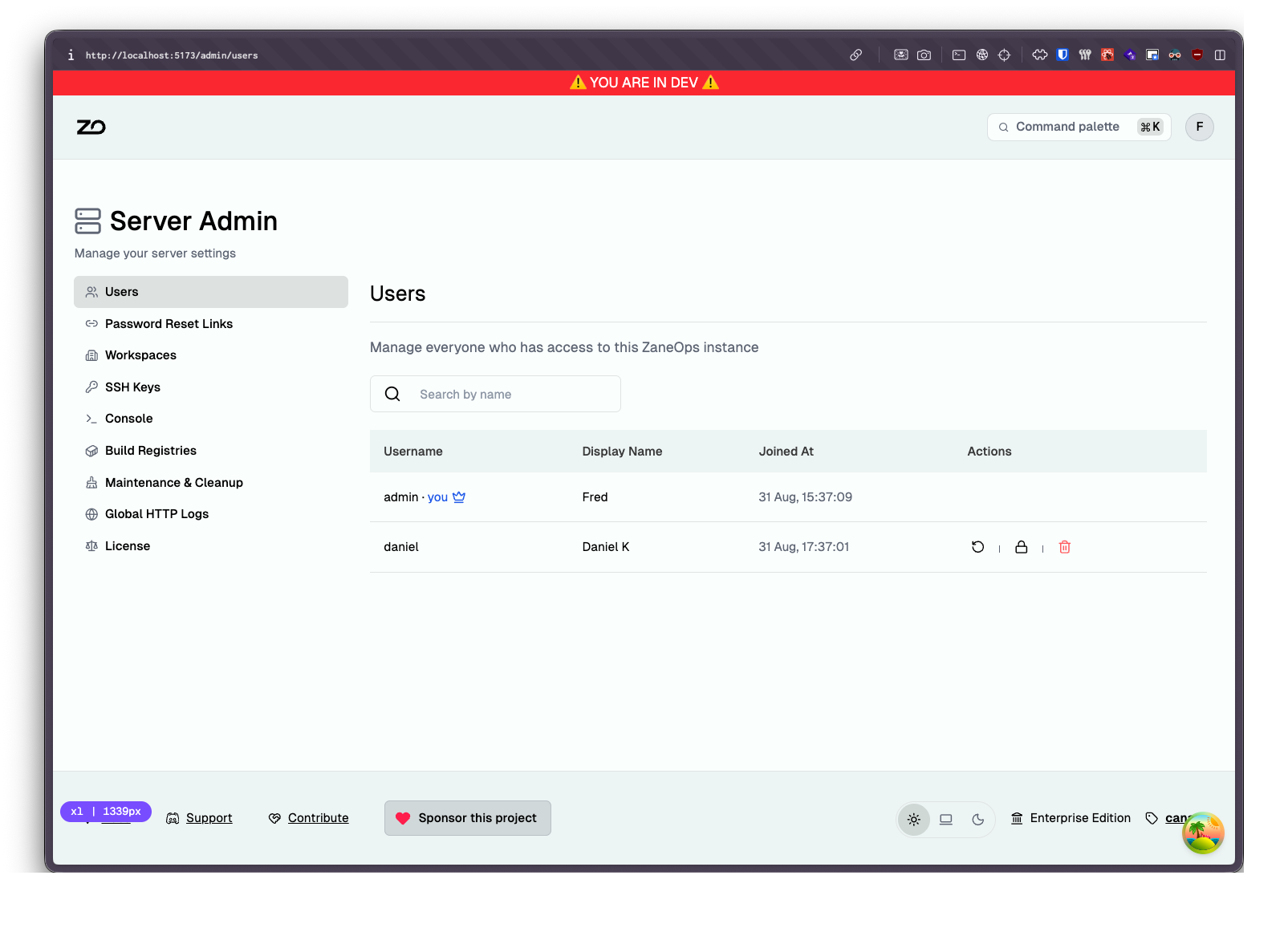
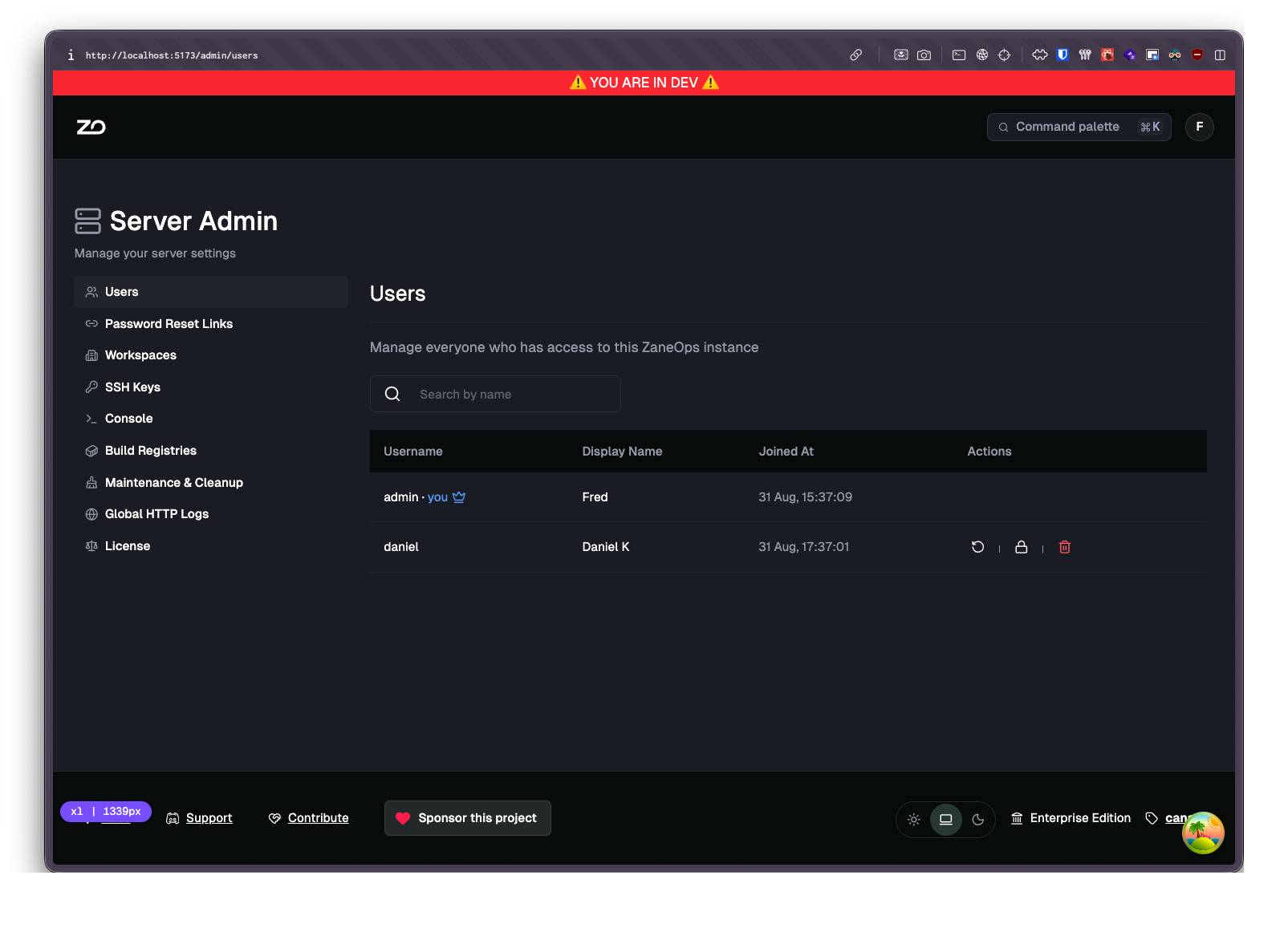
Section titled “Server admin”The instance owner now has a dedicated admin area, separate from any workspace:
- System settings: cron schedules for docker system prune and app-data cleanup, HTTP log and build-cache retention policies, and fine-grained control over what
docker system pruneremoves (images, containers, volumes, networks). - Master HTTP logs: every request that went through the ZaneOps proxy, across all projects, including ZaneOps’ own traffic and the 404 catch-all, with the country each request came from (GeoIP).
Rebuilt ⌘K command bar
Section titled “Rebuilt ⌘K command bar”The command menu was rebuilt from scratch. It now combines global navigation, resource actions (deploy, restart, open logs, …) and search into a single palette.
OpenTelemetry tracing (optional)
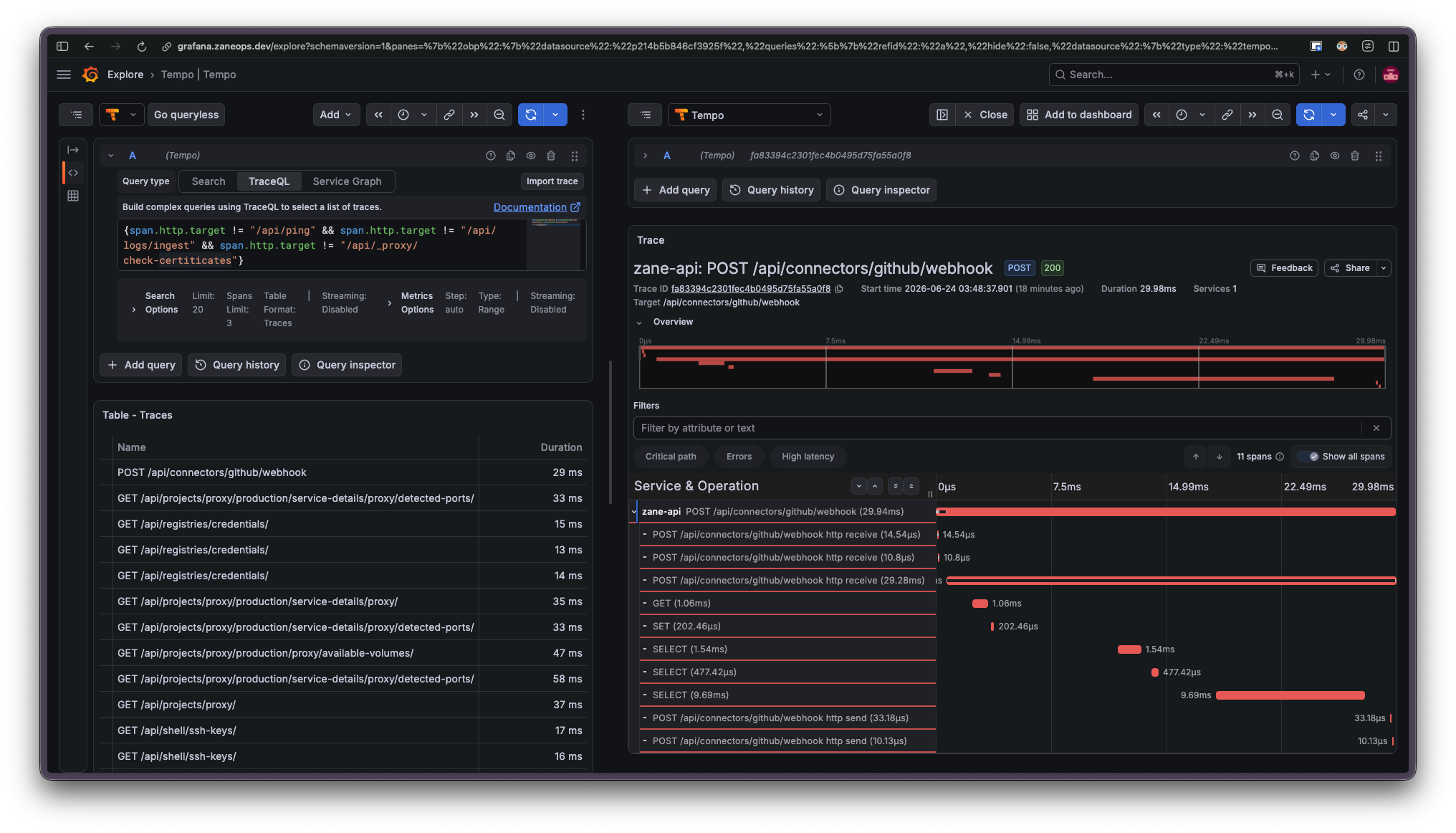
Section titled “OpenTelemetry tracing (optional)”You can now export traces from the ZaneOps API via OTLP. It is enabled by default in development and opt-in in production through a dedicated stack file, with traces stored in Tempo and viewable in Grafana. See the Observability guide for setup.
Other changes
Section titled “Other changes”- Deploys now detect stuck Docker Swarm rollouts instead of reporting them as successful
- Fixed errors with PgBouncer and the Temporal server